
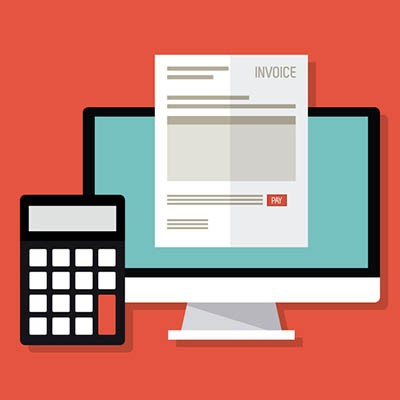
One of the most important considerations in any business is to ensure that payments are properly received and processed. Otherwise, you may as well not be in business at all. To help expedite this, we’re dedicating this week’s tip to creating a better, more effective invoice. Let’s get into it.

Global Tech Solutions Blog
Figuring out how to utilize platforms that depend on machine learning to boost an organization’s bottom line is one of the biggest puzzles for every modern business owner. After all, seemingly every new technology concept can be leveraged into enhanced profitability if it is rolled out right. In this case, many organizations have found ways to use human-created machines to learn how to do tasks that would be deemed too expensive if humans were to do them.
A file cabinet might seem like it’s necessary for operations, but it’s actually not as useful as it used to be in the past. This is primarily due to the implementation of new solutions such as the document management system. By taking advantage of a new digital storage system for your business’ documents, you can optimize operations and ditch that filing cabinet for good.
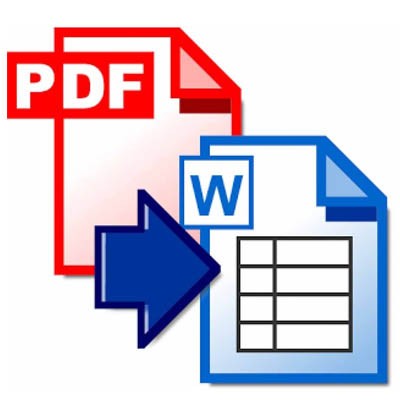
Did you know that Microsoft Word can actually edit PDF files? Well… the most recent version of it can, anyway. Since Adobe Acrobat can be a considerable investment for each and every one of your employees, you can instead turn to the tried and true Microsoft Word for this purpose. We’ll show you how you can do this (as long as you have the most recent version of MS Word).
In recent years, employers have offered more ways for employees to customize how they see their work environment. These extra features can often go a long way toward improving their productivity and comfort in the office, but they are often held in check by the problems that such technology can create. A smart office was created with the purposes of keeping these technological shortcomings from crippling employee productivity.